
How CAD/CAM Dentistry Works
BluSky Dental Richardson

CAD/CAM links a digital design with the manufacture of a dental restoration. The letters stand for computer-aided design and computer-aided manufacturing. The software and equipment help produce the restoration, while the clinician remains responsible for deciding what the tooth needs and checking the result.
How CAD/CAM dentistry works step by step
The process begins with a tooth that has been assessed and, where necessary, prepared for its restoration. The shape of that area is recorded along with neighbouring teeth and the bite. Those records provide the starting information for the design.
A digital record is only useful if it captures the relevant detail. Moisture, visibility and access can affect the quality of a scan. The clinician may need to repeat part of it or use another recording method when that is more appropriate.
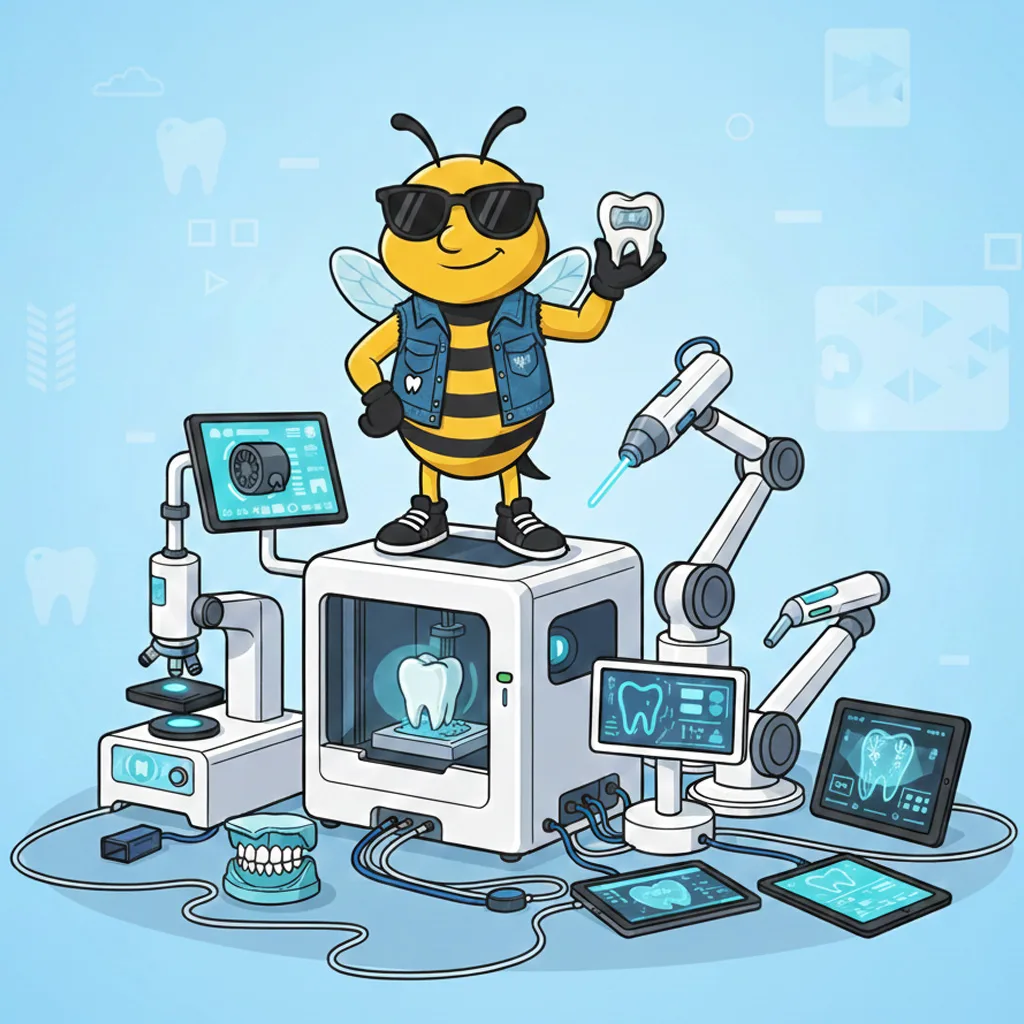
From the scan to a proposed shape
Design software helps create the contour of the restoration. The operator considers how its edge meets the prepared tooth, how it contacts neighbouring teeth and how it will meet the opposing teeth during biting.
These decisions are more specific than choosing a tooth shape that looks attractive on a screen. A restoration also needs suitable material thickness and a design that can be produced reliably. The clinician or laboratory reviews those requirements before manufacture.
Making the restoration
The manufacturing stage depends on the selected material and system. Milling can shape a restoration from a material block. Additional processing, characterization, finishing or polishing may be needed before the restoration is ready to try in the mouth.
Some work is produced within a clinic and some through a laboratory. A digital workflow can therefore involve one appointment or several. The word digital does not establish where the restoration is made or how quickly it will be ready.
The fitting checks still matter
The dentist checks the margins, neighbouring contacts, appearance and bite. Adjustments or a new restoration may be needed if those checks are not satisfactory. The fact that a design was generated on a computer does not make the result automatically correct.
Once accepted, the restoration is attached using a method suited to the material and tooth. The dentist explains any immediate care instructions and what to report if the bite or comfort does not feel right.
What can use this workflow?
Crowns, inlays, onlays and selected other restorations can be produced using digital methods. The clinical decision comes first: a tooth that needs a conservative repair should not receive more extensive preparation simply because a particular manufacturing system is available.
Ask why the proposed design and material fit your tooth. Compare that explanation with the treatment alternatives, not only with the convenience of the production method.
What it changes for you
A scan may make some recording steps easier to tolerate, and a suitable chairside workflow may reduce return visits. Other cases still benefit from laboratory involvement, temporary work or a healing stage. Discuss the actual sequence before arranging your schedule.
Keep the design and the clinical plan connected
If the prepared tooth reveals a different problem from the one expected, the plan may need revision before manufacture. Ask how a change would be explained and whether it affects the material, appointment sequence or estimate. A digital workflow should remain responsive to the clinical findings rather than commit the team to an unsuitable design simply because records have already been taken.
For the clinical options, see CAD/CAM dentistry. For appointment planning, read same-day crowns. Book a Visit at BluSky Richardson to discuss the restoration your tooth needs.
Talk with the Richardson team
Tell us what you would like help with and ask about your next visit.
Call: (613) 829-5921
Address: 510 Richardson Ave, Ottawa, ON K2B 5H1